The All-in-One Command Center for
Professional Services
PSApulse delivers operational reality through seamless connectivity, providing the clarity and predictability needed to drive unbroken continuity across your entire professional services lifecycle.
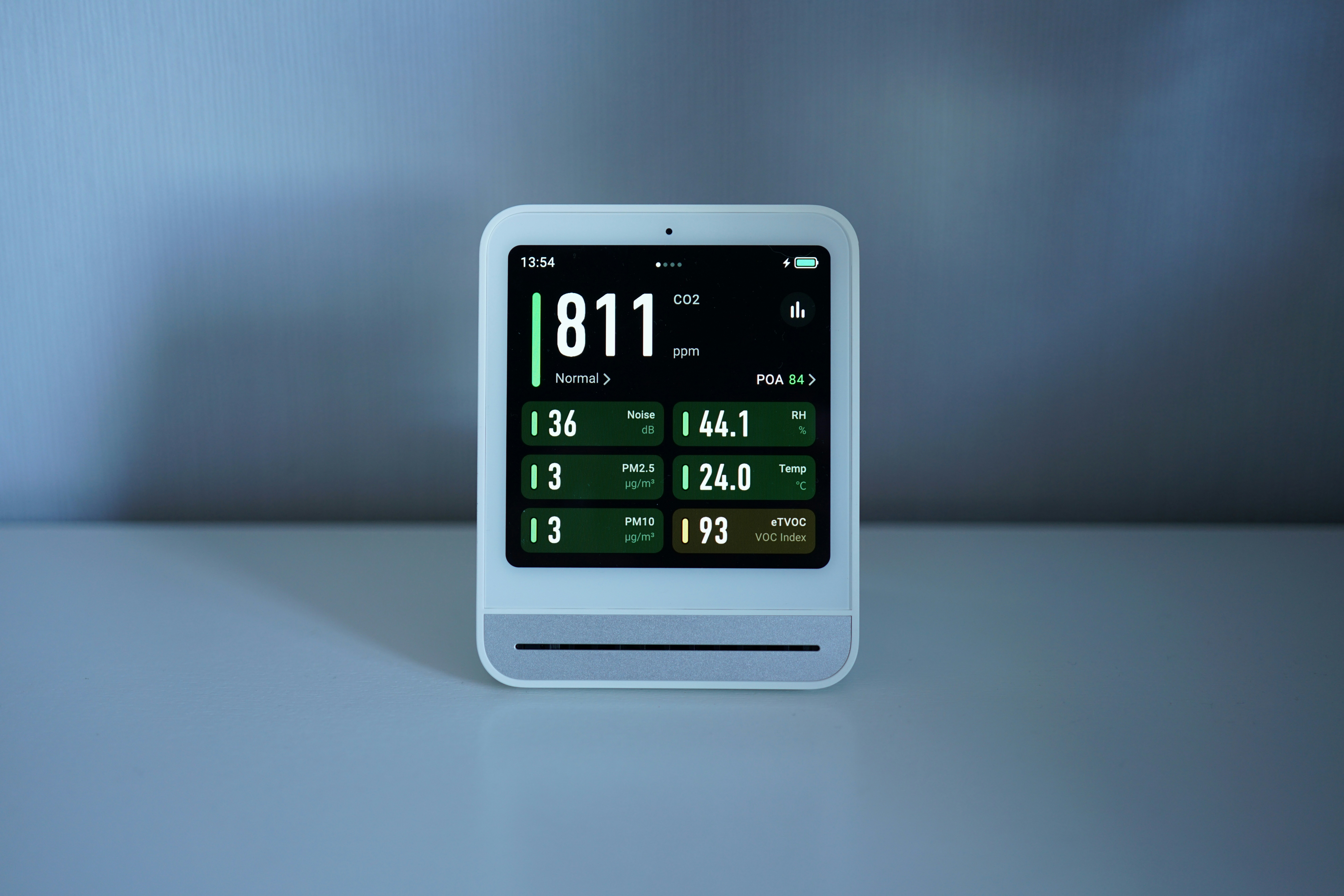
The One-Click Timer interface
The One-Click Timer interface

Mobile app time-entry view
Mobile app time-entry view

Weekly timesheet summary dashboard
Weekly timesheet summary dashboard
Stops you from working for free
Most firms suffer from 15-20% billable leakage due to "memory-based billing". Our Time-Tracking module provides Reality by capturing work as it happens, ensuring that every minute of expertise—including those "quick" advisory calls—is recorded and invoiced. You stop working for free and start capturing your true value.
- One-Click TimersStart and stop tracking with a single click to ensure precise data capture.
- Billable vs. Non-Billable TogglesInstantly categorize hours to understand your true productivity.
- Mobile App LoggingLog hours on-the-go or from client sites to eliminate end-of-week guesswork.
- Attendance & Leave TrackingIntegrate employee availability directly into your resource planning.
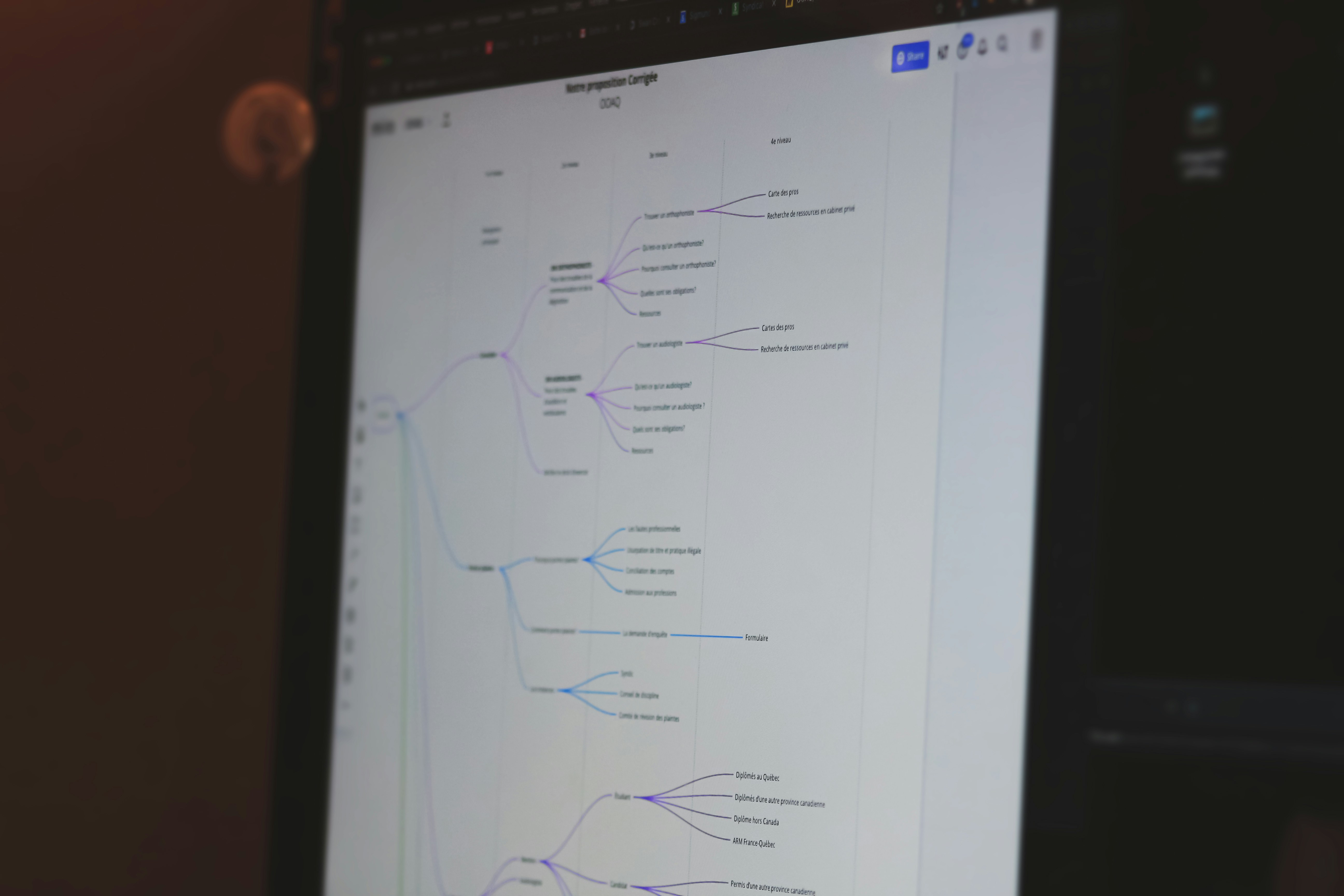
Visual project timeline and Gantt chart
Visual project timeline and Gantt chart

Resource heat map showing team capacity
Resource heat map showing team capacity

Custom workflow builder interface
Custom workflow builder interface
Stops your employees from working in panic
Transition from a state of panic to Predictability. By using proactive delivery tools, you can identify bottlenecks weeks before they occur, moving your organization from reactive crisis management to a steady, predictable execution flow.
- Resource utilisationSee who is over-extended or under-utilized before it affects your deadlines.
- Customized Workflow TemplatesStandardize your delivery frameworks to ensure consistent quality across all projects.
- Task AllocationAssign tasks and ensure that your project moves at the right pace, and you never miss a milestone.
- Project Management ChartsGain a visual bird's-eye view of project health and progress.

Profitability dashboard with margin breakdowns
Profitability dashboard with margin breakdowns

Automated invoice generation preview
Automated invoice generation preview

Burn rate vs. budget tracking chart
Burn rate vs. budget tracking chart
Stops you from guessing whether you are actually making money
The Benefit: Stop guessing if you are actually making money. The Finance module provides Clarity by replacing stale, manual Excel formulas with real-time data. Partners gain an "Active Financial X-Ray" to make data-backed growth decisions and ensure fixed-fee projects remain profitable.
- Real-time Profitability DashboardsTrack project and account margins as they happen, not weeks later.
- Automated InvoicingConvert tracked hours and expenses into professional invoices instantly.
- Profit ForecastingUse historical and current data to predict future revenue and burn rates.
- Expense Recovery TrackingEnsure every project-related expense is captured and reimbursed.

Document version history and comparison view
Document version history and comparison view

Peer review approval queue
Peer review approval queue

Centralized document repository search
Centralized document repository search
Stops loss of your firm’s “brain” when people leave
Mitigate "Key-Man Risk" by ensuring your firm’s expertise is institutionalized, not individualized. This module provides Continuity, stopping the firm from losing its "brain" when people leave by centralizing all documentation and compliance history in one audit-ready vault.
- Version-Controlled ManagementEnsure everyone is working off the latest sketch, brief, or legal precedent.
- Mandatory Peer Review WorkflowsAutomate quality control by requiring reviews before documents are finalized.
- Centralized Knowledge BaseCreate a "single source of truth" for all project specs, revisions, and research.
- Audit TrailsMaintain permanent history for regulatory reviews and compliance.
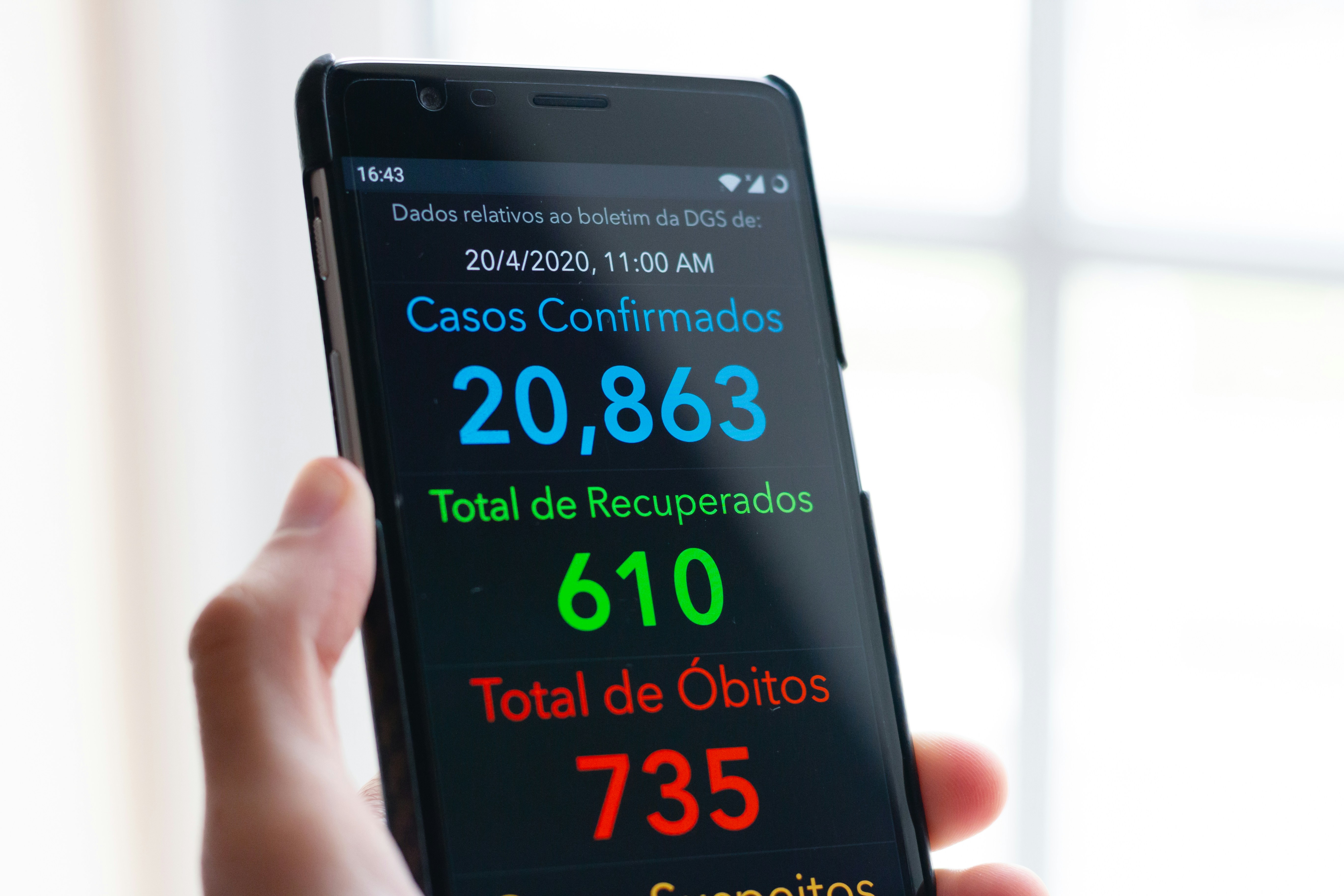
Client 360-degree view in the CRM
Client 360-degree view in the CRM

Centralized project communication thread
Centralized project communication thread

Client portal dashboard showing project status
Client portal dashboard showing project status
Stops your client from looking for another partner
Move beyond siloed email threads to Connectivity. By centralizing communication and analytics, you anticipate client needs before they even ask, transforming your firm into a proactive advisor that clients never want to leave.
- Unified Client CRMKeep a complete history of every client interaction and project milestone in one place.
- Centralized DatabaseAvoid the hassle of trying to locate client related documents across mailboxes.
- Status ReportingProvide clients with proactive updates that reduce anxiety and inbound status calls.
- Quotation CreationStreamlined process to a formal proposal quickly, in alignment with company-approved pricing.

Main executive dashboard with KPI highlights
Main executive dashboard with KPI highlights
Personal task and time dashboard for employees
Personal task and time dashboard for employees
Stops you from missing out on data that demands your attention
The Dashboard serves as the command center for your firm, offering an immediate look at the Reality of your operations. It provides the "Pulse" of your work, showing you exactly where your resources are allocated and where your attention is needed most.
- One-View DisplayGet one view to show time-tracking, project health, or financial KPIs.
- Real-time Activity FeedSee live updates on task completions and hour entries.
- AlertsGet instant warnings for non-loggers and deviations.
- NotificationsGet notified of tasks allocated so that projects always run on time.
Comparative project profitability report
Comparative project profitability report
Team utilization and billability chart
Team utilization and billability chart
Stops you from wasting time in searching for insights
Move from guesswork to deep Clarity. Our reporting tools analyze your historical data to provide insights into which clients are "profit-drivers" versus "time-sinks," helping you pivot your strategy before it’s too late.
- Account & Project Profitability ReportsIdentify your most lucrative work with granular detail.
- Resource Utilization ReportsAnalyze team efficiency and identify areas for training or hiring.
- Drill-Down CapabilitiesAllows users to click on high-level metrics to see the underlying detailed data.
- Custom Report BuilderExport any data set into professional formats for partner meetings or client reviews.

User roles and permissions setting page
User roles and permissions setting page

Team organizational chart view
Team organizational chart view
Easy to manage, easy to secure
Maintain security and organizational structure while fostering collaboration. User Management ensures that every team member has the right access to the right tools, preserving the right access and compliance across the board.
- Role-Based Access ControlDefine specific permissions for partners, managers, and associates.
- Team OrganizationGroup users by department or project team for easier resource allocation.
- Audit LogsTrack user activity to ensure data integrity and security.
Frequently Asked Questions
Everything you need to know about starting your journey with PSApulse.